Essay9 min read
Why comprehend how an operating system works?
OS · Systems · Foundations · Essay · Computer Science
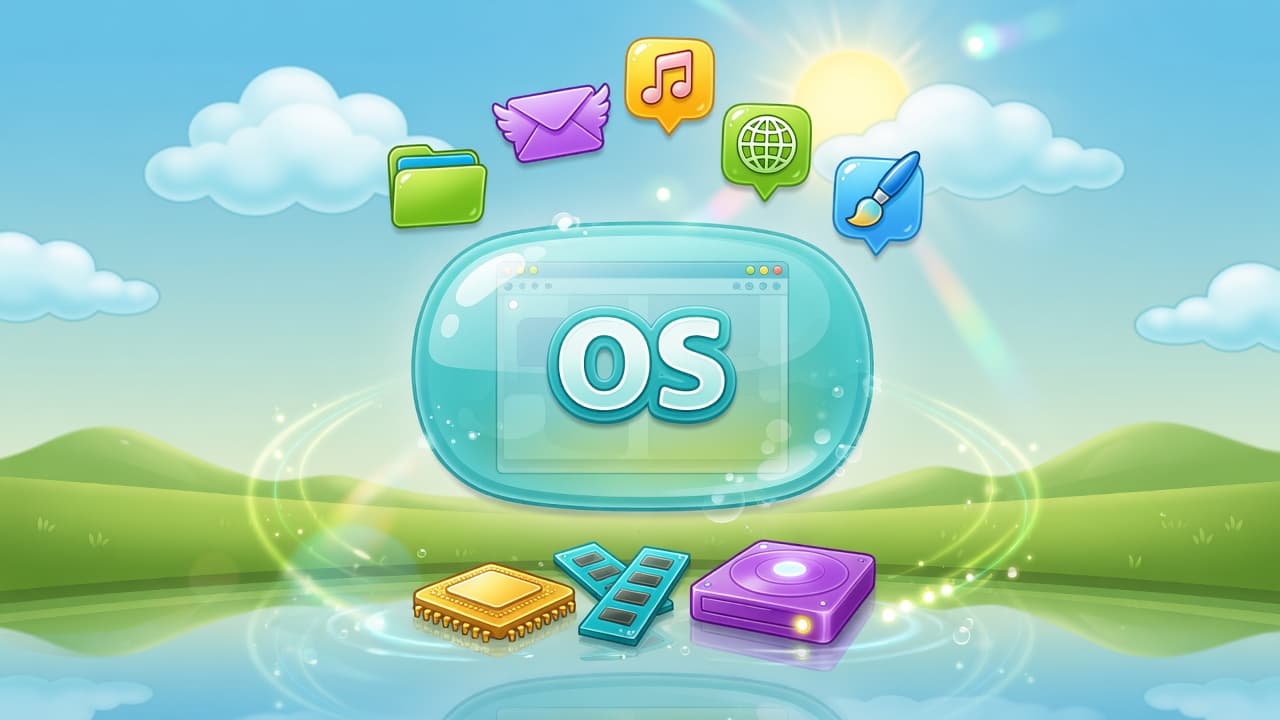
A general blueprint for OS literacy: processes, memory, files, time, identity, devices, and isolation, so software stops treating the machine as magic. Not a tour of any one commercial OS.
“Do I really need to know how the OS works?” usually means: Can I skip the abstract layer and only learn frameworks and apps?
Short answer: you do not need to write or maintain a kernel. You do need a portable mental model of what an operating system is for—because every program you run sits on that model. Without it, tools feel like superstition. With it, crashes, freezes, “permission denied,” and “it works here but not there” become classifiable.
This essay argues for OS comprehension as general systems literacy: a blueprint of concepts that apply across designs (desktop, server, mobile, RTOS-inspired embedded executives, hypervisors), not a product manual for any single brand of operating system.
What an OS is
An operating system is software that mediates between applications (and users) and hardware so that:
- Programs can run without each one programming the raw machine from scratch
- Resources are shared and protected—CPU time, memory, storage, devices
- Interfaces are standardized—so applications target a contract, not one board revision
That mediation may be a large general-purpose kernel, a small real-time executive, or a layered stack (firmware + hypervisor + guest OS). The blueprint roles rhyme even when names and APIs differ.
  Applications / services
           │
           ▼
  OS services (API: calls, messages, objects)
           │
           ▼
  Resource managers: CPU · memory · storage · devices · network
           │
           ▼
  Hardware (CPU, memory, timers, controllers, …)
A blueprint map: core concepts
Comprehension here means a usable map, not memorizing every policy name in every product.
| Concept | Portable job |
|---|---|
| Process / task | Unit of execution the system schedules and accounts for (isolation strength varies by design) |
| Thread | Concurrent execution context sharing an address space (where the OS exposes threads) |
| Address space / memory | What a program may legally touch; basis of protection, mapping, and “out of memory” |
| Files / objects / handles | Named or numbered capabilities to open resources (storage, pipes, devices, more) |
| Scheduling & time | Who runs when; why “slow” can be compute, wait, or thrashing—not only “bad code” |
| Identity & authorization | Who may do what (users, roles, capabilities, labels—mechanisms differ) |
| Devices & drivers | How hardware is presented as services or objects applications can use |
| Inter-process communication | How isolated programs exchange data (pipes, queues, shared memory, sockets, …) |
| Networking (basics) | Endpoints, connections or datagrams, failure modes (refused, timeout, unreachable) |
| Isolation & virtualization | Multiple views/limits on one machine (containers, VMs, partitions—different mechanisms) |
| Boot & init | How the system reaches a state where applications can start |
If you can explain these in plain language and name evidence on whatever system you use (process list, memory pressure, open handles, device status, logs), you “comprehend the OS” for professional work. Kernel source tourism is optional specialization.
Why comprehension matters
1. Failure classification beats guess-and-retry
When something fails, amateurs change random knobs. OS-literate engineers ask which layer failed:
| Class | Examples | OS lens |
|---|---|---|
| Application logic | Wrong algorithm or state machine | Still need honest runtime evidence |
| Environment / resources | Memory exhaustion, full storage, missing device | Classic OS resource management |
| Configuration / identity | Wrong privileges, wrong working directory, wrong mounts | Policy and namespace of the runtime |
| Integration glue | Broken pipes between stages, wrong image or root filesystem | Processes + files/objects + networking |
Without OS vocabulary, environment failures get blamed on “the framework” or “the code.” That wastes time in any domain.
2. Tools stop being magic
Installers, containers, service managers, IDEs, build systems, and test runners are almost always:
- processes (or sets of them),
- using files or handles,
- under some identity,
- limited by CPU, memory, storage, devices,
- sometimes isolated by namespaces or virtual machines.
| Tool feeling | After OS literacy |
|---|---|
| “This runtime is a tiny separate computer” | “Often shared kernel or hypervisor + isolation + resource limits—check which” |
| “The machine is broken” | Which resource? Which process? Which permission? |
| “Permissions are random” | Identity, policy, and object rights—inspectable |
| “Logs vanished” | Where did the process write? Rotation? Capture of standard streams? |
You still read documentation. You know which layer the docs are talking about.
3. You design safer automation and multi-user systems
OS comprehension changes how you script and operate shared machines:
- Prefer explicit paths, stable identities, and checked free space before heavy jobs
- Treat temporary areas and caches as finite
- Avoid “run everything with full privilege because it was easier”
- Know when a redirected path (link, mount, substitute root) can write somewhere unintended
- Separate build identity from runtime identity when those differ
That is basic multi-user and multi-job hygiene—not a brand-specific ritual.
4. Performance becomes discussable
“Make it faster” without OS concepts becomes cargo-cult flags. With a model:
| Symptom | OS-shaped questions |
|---|---|
| Workload slow | Compute-bound vs waiting on I/O vs memory pressure? |
| Timeouts | Wall time vs CPU time; contention; oversubscription? |
| Artifact huge | What landed in the filesystem image or package? |
| Parallel jobs flaky | Shared temp space, port/endpoint binds, CPU oversubscription? |
You do not need to be a full-time performance engineer. You need to avoid optimizing the wrong layer.
5. Security starts as “who can do what”
Many incidents are boring OS stories: world-writable locations, secrets in process environments, overly broad privileges, isolation that was never isolation. Understanding identity, capabilities, and object rights is the difference between theater and least privilege that survives contact with a shell or service.
6. The ideas transfer across products and rhyme with smaller systems
General-purpose kernels, mobile OS designs, and even small real-time executives all face:
- who runs next,
- who owns memory,
- how devices are claimed,
- how failures are contained.
Words differ (process vs task, driver vs BSP hook). Resource conflicts rhyme. Literacy on the big map makes smaller systems less alien.
What you do not need (so you do not drown)
| Temptation | Better use of time for most people |
|---|---|
| Memorizing every scheduler policy name in every OS | Know runnable vs blocked, wait vs compute, and how to observe them |
| Writing a toy kernel before using any OS well | Use systems competently; optional later |
| Full protocol encyclopedias on day one | Endpoints, failure modes, basic inspection habits |
| Every filesystem internal | Free space, mounts, rights, links, “open but deleted” style traps |
| “I read an entire kernel” as a badge | Directed depth when a bug or role demands it |
Comprehension is a map + habits of inspection, not a certificate of suffering.
A practical literacy ladder (OS-agnostic)
| Stage | Can you…? | Practice |
|---|---|---|
| 1. Survive | List what is running; see free memory and storage; follow a log; stop stuck work safely | Daily on a machine you control |
| 2. Explain handles & objects | Standard streams; open a device or special object; reason about rights | Draw who may open what |
| 3. Own a shared host | Pre-flight resources before heavy jobs; separate app failure from environment failure | One automation you operate weekly |
| 4. Compose systems | Services, IPC, isolation at mechanism level | One stack you can draw end-to-end |
| 5. Specialize | Drivers, advanced isolation, tracing—when the role needs it | Directed, not scenic |
If stages 1–3 are weak, stage 5 is entertainment.
Concrete scenes
| Scene | Without OS model | With OS model |
|---|---|---|
| Process dies under memory pressure | “Flaky app” | Resource exhaustion / killer policy—check memory and limits |
| “Permission denied” on a device | Reinstall forever | Identity, groups/roles, device node rights, who the service runs as |
| Works on one machine, fails on another | Blame the framework | Different user, cwd, env, mounts, resource limits, device presence |
| Storage “full” with free bytes showing | Panic reformat | Wrong volume, inode/object limits, space held by open deleted files |
| Work “randomly” slow | Buy bigger hardware | Load, I/O wait, thrashing, parallel job count |
| Path to a library “missing” | “Build system bug only” | Broken link, relocated tree, different root view |
Each row is a day you either look systematic or look stuck—independent of which OS logo is on the box.
Blueprint checklist: “I comprehend the OS enough when…”
- I can define process/task, memory isolation, and scheduling in my own words.
- I can explain why two programs need the OS to share CPU and devices safely.
- I can classify a failure as app vs environment vs configuration with evidence.
- I know what identity my automation runs under and what it may open.
- I can sketch boot → services → my program without vendor slogans.
- I know when I am talking about the OS contract vs the hardware vs the application.
- I can learn a new OS product by mapping its docs onto this blueprint—not by starting from zero mythology.
A one-week habit (if you only do one thing)
Every day, pick one failed or slow thing on a system you control and write four lines:
- What execution unit was involved? (process, task, service, container id—as applicable)
- What resources did it need? (CPU, memory, storage, device, network)
- What identity did it run as?
- What evidence supports the failure class?
That is OS comprehension as a practice.
Closing
Comprehend how an operating system works so you can:
- Name what the machine is doing
- Separate application, configuration, and environment
- Automate without accidental privilege and mystery paths
- Transfer skills when the product name on the kernel changes
You do not need to worship any particular kernel tree. You need to stop treating the computer as a black box that “usually works.”
Was this page helpful?